
A cart made for quoting
Collect products and quantities in a dedicated quote cart. Keep configurable choices, custom options and uploaded files with each item.
PRODUCTS + REQUIREMENTSREQUEST FOR QUOTE · LIVE DEMO
Give customers a way to ask. Give your team a way to negotiate. Bring the agreed price straight into Magento checkout.
Start as a guest. No account needed to request a quote.
Explore the storefront: Luma Hyvä
EXAMPLE PROPOSAL
Illustrative proposal · Explore the live products below
ONE CONNECTED WORKFLOW
Keep products, prices and the conversation together. Take the next step without starting over.
Choose products, options and quantities. Your shopping cart stays separate.
Share contact details and requirements, as a guest or signed-in customer.
Your team proposes item prices and expiry. Customers accept, reject or ask for a revision.
Accepted quotes move into Magento checkout with the agreed quantities and prices.
Customer accounts can request revisions. Guests view, accept and reject proposals through their quote link.
BUILT AROUND YOUR STORE
A Magento workflow for purchases that need a conversation before checkout.
Collect products and quantities in a dedicated quote cart. Keep configurable choices, custom options and uploaded files with each item.
PRODUCTS + REQUIREMENTSPropose prices and quantities per item, set an expiry date and exchange comments. Keep internal notes separate from the customer conversation.
NEGOTIATE + REVISERequest a quote without creating an account. Guests return through their quote link; signed-in customers manage requests in My Quotes.
OPTIONAL GUEST ADD-ONHide storefront prices and replace Add to Cart with Request a Quote, per product or customer group. Bring buyers into a sales conversation.
OPTIONAL HIDE-PRICE ADD-ONKeep the agreed prices and quantities through native Magento checkout. Quote checkout protects the offer and restores the buyer’s previous basket afterward.
ACCEPT → CHECKOUT → ORDERAssign a sales representative and require approval for discounts above your threshold. Approval follows the proposal version your team reviewed.
OPTIONAL B2B ADD-ONLESS READING. MORE TRYING.
These are real products in this demo. Try each flow in Luma or Hyvä.
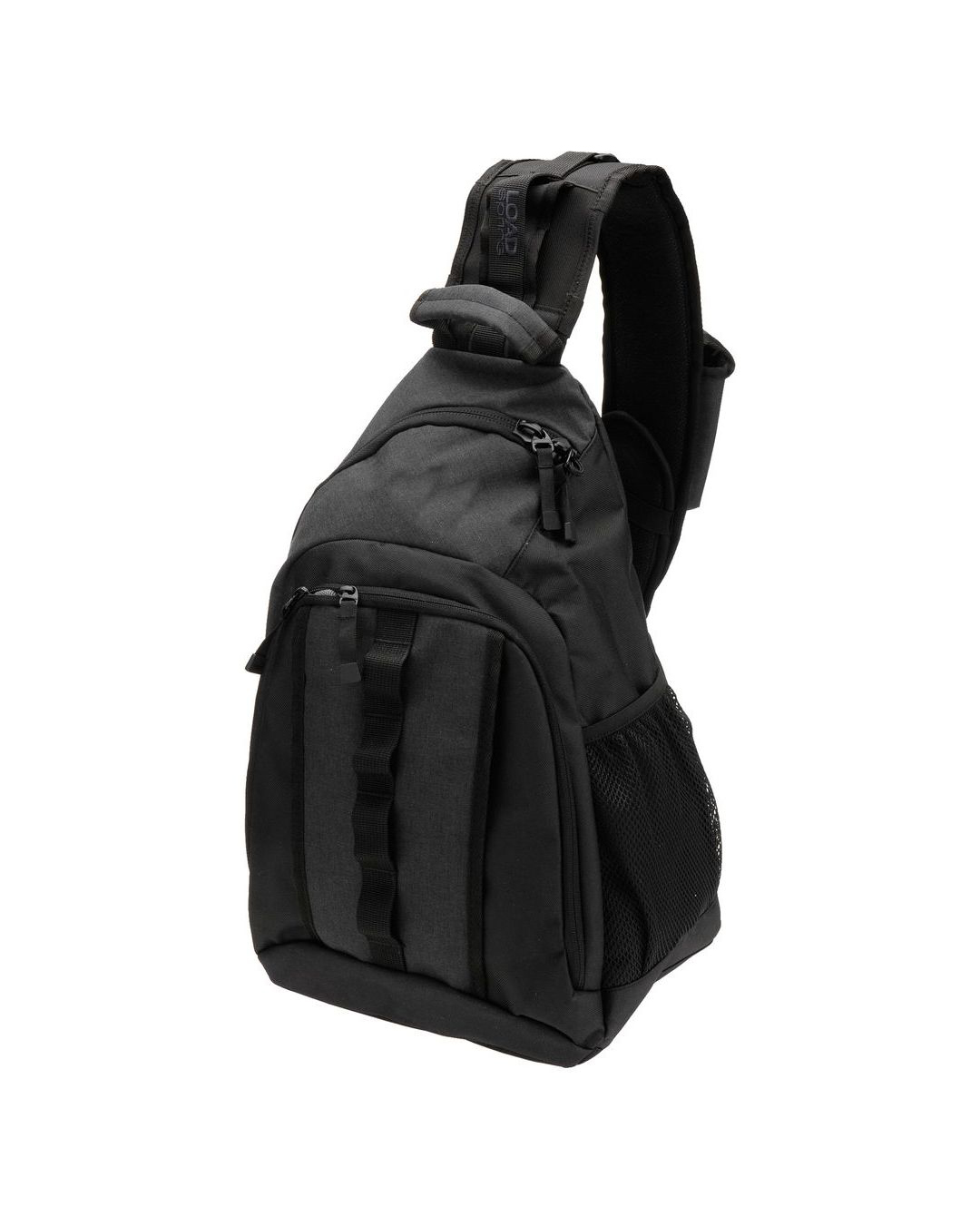
Open the Strive Shoulder Pack, choose a quantity and use Add to Quote. Review your cart and submit as a guest.
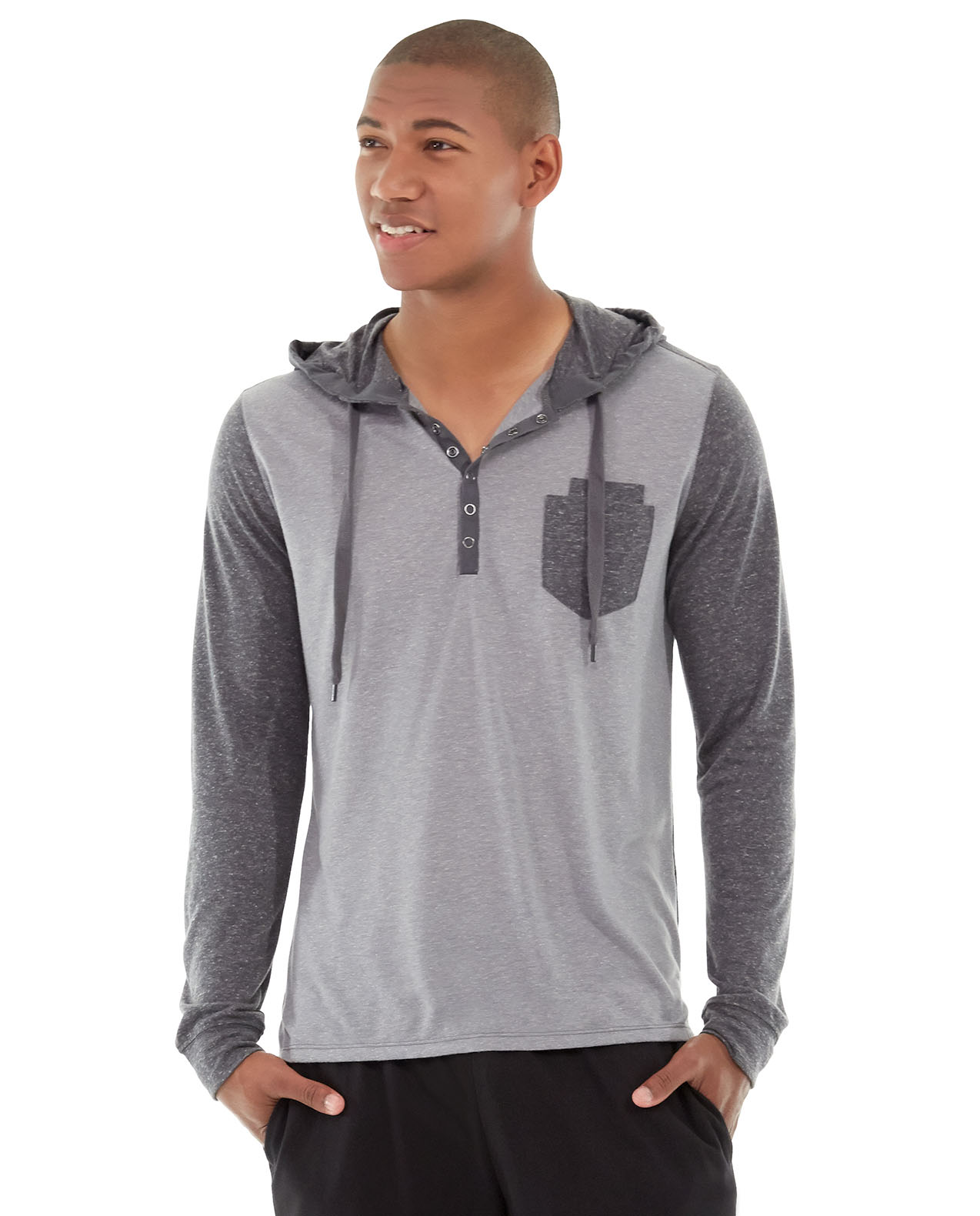
Build a quote requestChoose a size and colour for the Chaz Kangeroo Hoodie. Add it to your quote cart and see those selections travel with the request.
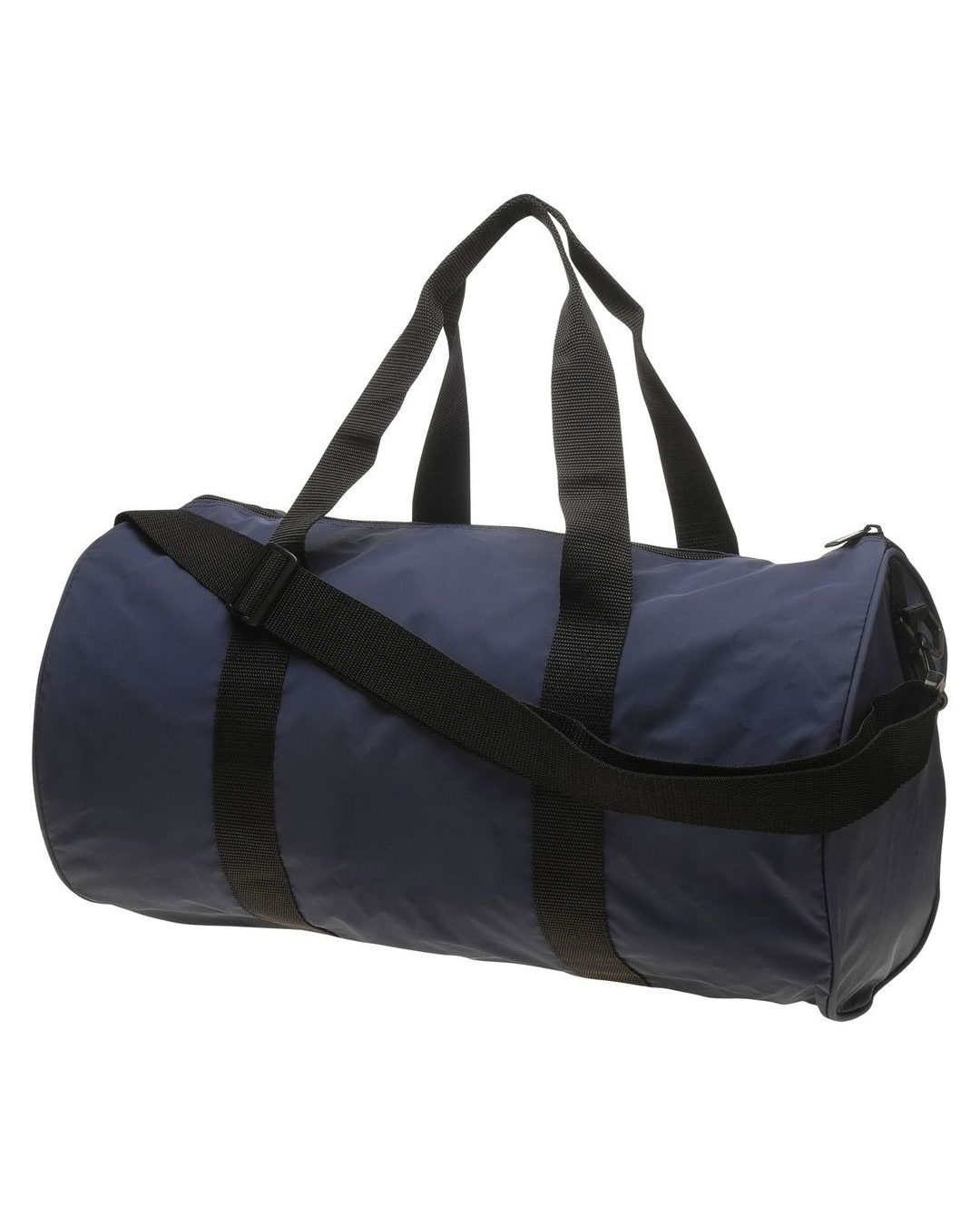
Try a configurable productThis Joust Duffle Bag has its storefront price hidden. Sign in to use its dedicated Request a Quote action in place of Add to Cart.
Explore a quote-only productAlready have a request? Open your quote cart or sign in to My Quotes.
Proposal negotiation happens in the merchant admin. Ask us for an admin walkthrough ↗
This demo runs the latest module code. Here are a few of the improvements you can explore.
Quote carts merge at login, combine matching lines and preserve product selections.
Quote-only forms carry configurable choices and custom options, including uploads, on Luma and Hyvä.
Checkout protects negotiated prices, prevents duplicate quote orders and restores the buyer’s parked basket.
B2B discount checks use the current quantities, and a revised offer requires a current approval.
A FEW HELPFUL DETAILS
Start with a product. Follow the request.
See where the module fits your store.
Yes. Guest quote requests are enabled here for regular products. Add one to the quote cart and enter your contact details when submitting. The dedicated hide-price action requires sign-in. The quote link lets you return to that request. For the account journey, create your own demo account and use My Quotes.
No. A request starts a real sales workflow. A merchant reviews it and sends a proposal from Magento admin. Contact Qoliber for a guided negotiation, approval and checkout walkthrough.
The optional hide-price add-on replaces storefront prices and Add to Cart for selected products or customer groups. The Joust Duffle Bag demonstrates this. It is a storefront presentation policy; it does not make catalog prices confidential across APIs or feeds.
The base suite covers the quote cart, customer pages, admin negotiation, notifications and accepted-quote checkout. Guest requests, hide-price rules, B2B approvals, Hyvä compatibility, REST and GraphQL are separate add-ons. This demo has the module family installed; approvals can be explored in a guided admin demo.
YOUR NEXT B2B ORDER STARTS HERE
Explore the buyer journey now, or talk to us about your catalogue, sales process and Magento setup.
Your sales team“Here’s our offer for the quantities you requested.”